Voice agent observability: logs, transcripts, and traces that explain a bad call
When a voice agent handles a call badly, 'it sounded wrong' is not debuggable. What to capture — transcripts, turn timings, tool calls, recordings — so every call can be reconstructed and the failure pinned to a cause.
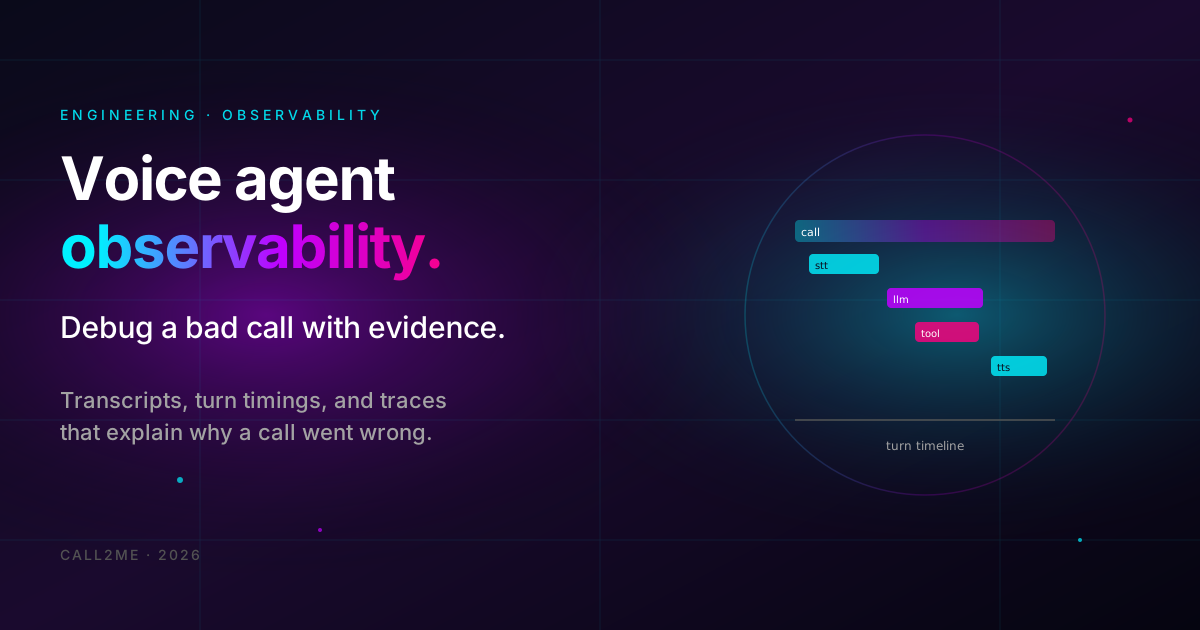
A voice agent handled a call badly. The customer was annoyed, the booking did not happen, and now someone forwards you the complaint with the world's least debuggable bug report: "the agent sounded confused."
Sounded confused where? Did it mishear the caller? Did the speech recognizer mangle a word? Did a tool call time out and leave the agent improvising? Did the model just reason poorly? "Sounded confused" cannot distinguish any of these — and each one has a completely different fix.
Observability is what turns "sounded confused" into "the availability webhook took 4 seconds, the agent filled the silence, and the caller talked over the delayed response." That is a bug you can fix. The vibe is not.
- Why call recordings alone cannot explain a failure.
- The four layers to capture: transcript, turn timings, tool trace, recording.
- One call, one trace — reconstructing any call end to end.
- Turning observability into prompt and tool fixes.
Why the recording is not enough
The recording is the obvious artifact, and teams reach for it first. It has a hard limit: it captures the symptom, never the cause.
A recording can tell you the agent paused awkwardly for four seconds. It cannot
tell you that the pause was a getAvailability tool call waiting on a slow
calendar API. It can tell you the agent gave a wrong answer. It cannot tell you
whether the speech recognizer fed it the wrong words, or it got the right words
and reasoned badly.
The recording is one layer. To debug, you need the layers underneath it.
The four layers to capture
For every call, capture enough to reconstruct it completely:
- Transcript. Both sides, turn by turn, with timestamps. This is what the agent heard and what it said — searchable and diffable in a way audio is not.
- Turn timings. For each turn, how long each stage took: speech recognition, model response, text-to-speech, plus any tool call fired mid-turn. This is where latency problems become visible.
- Tool-call trace. Every tool or webhook the agent invoked, with the exact inputs it passed, the outputs it got back, and the duration. This is where "the agent did something weird" becomes "the agent called the tool with a malformed date."
- Recording. The audio, as the final reference layer — for tone, for interruptions, for anything the transcript flattens.
Together, these four answer almost any "why did this call go wrong" question.
Per-turn timing is the highest-value layer
If you capture only one thing beyond the recording, capture timing.
A voice call is a latency game. The caller expects a response within a beat; exceed it and the conversation breaks — the caller talks over the agent, repeats themselves, or hangs up. "The agent felt slow" is one of the most common complaints, and on its own it is unactionable.
Per-turn timing makes it actionable. Break each turn into its stages and you can see exactly where the time went:
- Speech recognition slow? The audio pipeline or the recognizer.
- Model response slow? The LLM, or a prompt that is too long.
- Text-to-speech slow? The voice synthesis stage.
- A gap with none of the above? A tool call you fired mid-turn and waited on.
Each of those points to a different fix. Without the breakdown, you are changing things at random and hoping the vibe improves.
One call, one trace
The organizing principle: a single call is a single trace. Each turn is a span within it. Each tool call is a child span with its inputs, outputs, and duration.
You do not necessarily need a heavyweight distributed-tracing platform — but you do need this structure. Whether it lives in a tracing tool or in structured logs all keyed by a call ID, the requirement is the same: given any call ID, you can pull up the entire call and walk it end to end. Who said what, when, how long each stage took, what every tool returned.
If reconstructing a call means stitching together a recording, some scattered log lines, and guesswork — you do not have observability, you have archaeology.
Two failures sound identical on a recording: the agent misheard the caller, or the agent heard correctly and reasoned wrong. They are completely different bugs. A mishearing is a speech-recognition or audio problem. A misreasoning is a prompt or model problem. The transcript — what the recognizer actually produced — is what separates them. Without it, you will spend a day fixing the wrong layer.
From observability to fixes
Capturing the data is half the job. The point is what you do with it:
- Prompt fixes. Transcripts show recurring failure phrasings — the agent consistently misreads a question type, or gives an answer that confuses callers. That is a prompt change, validated against real transcripts.
- Tool fixes. The tool trace shows malformed inputs or slow responses. Maybe the agent passes dates in a format the tool mishandles, or a webhook is slow enough to break the conversation rhythm.
- Latency fixes. Turn timings show which stage to optimize — and just as importantly, which stages are already fine and not worth touching.
Observability turns debugging from opinion into evidence. "I think the agent is slow" becomes "the model stage is 800ms over budget on long prompts" — and now you know exactly what to change.
Getting started
Call2Me emits structured events for every stage of a call and exposes transcripts, recordings, and analytics per conversation. The events documentation covers the event types and payloads. Pipe them into whatever you already use — a tracing tool, a log store, a dashboard — keyed by call ID, and the next "the agent sounded confused" report becomes a five-minute investigation instead of a shrug.
Frequently asked
Q.Isn't the call recording enough to debug a bad call?
The recording tells you what it sounded like, not why. It cannot show you what the agent passed to a tool, what the tool returned, how long the model took to respond, or what the speech recognizer actually transcribed versus what the caller said. The recording is one layer; you need the transcript, the turn timings, and the tool-call trace alongside it to find a cause rather than just confirm a symptom.
Q.What's the single most useful thing to capture?
Per-turn timing. A voice call lives or dies on latency, and 'the agent felt slow' is unactionable until you can see whether the delay was in speech recognition, the model, the text-to-speech, or a tool call you fired mid-conversation. Once you can attribute the delay to a stage, you know what to fix. Without it, you are guessing.
Q.How do transcripts help if the recording exists?
A transcript is searchable and diffable in a way audio is not. You can grep every call where the agent said a particular wrong phrase, or compare what speech recognition produced against what the caller meant. Transcripts also separate two failure modes that sound identical on a recording: the agent misheard the caller, or the agent heard correctly and reasoned wrong. Those have completely different fixes.
Q.Do I need a full tracing stack for a voice agent?
Not necessarily a heavyweight distributed-tracing system, but you do need the trace concept: one call is one trace, each turn is a span, each tool call is a child span with its inputs, outputs, and duration. Whether that lives in a tracing tool or structured logs keyed by call ID, the requirement is the same — reconstruct any call end to end from its records.
Keep reading
All posts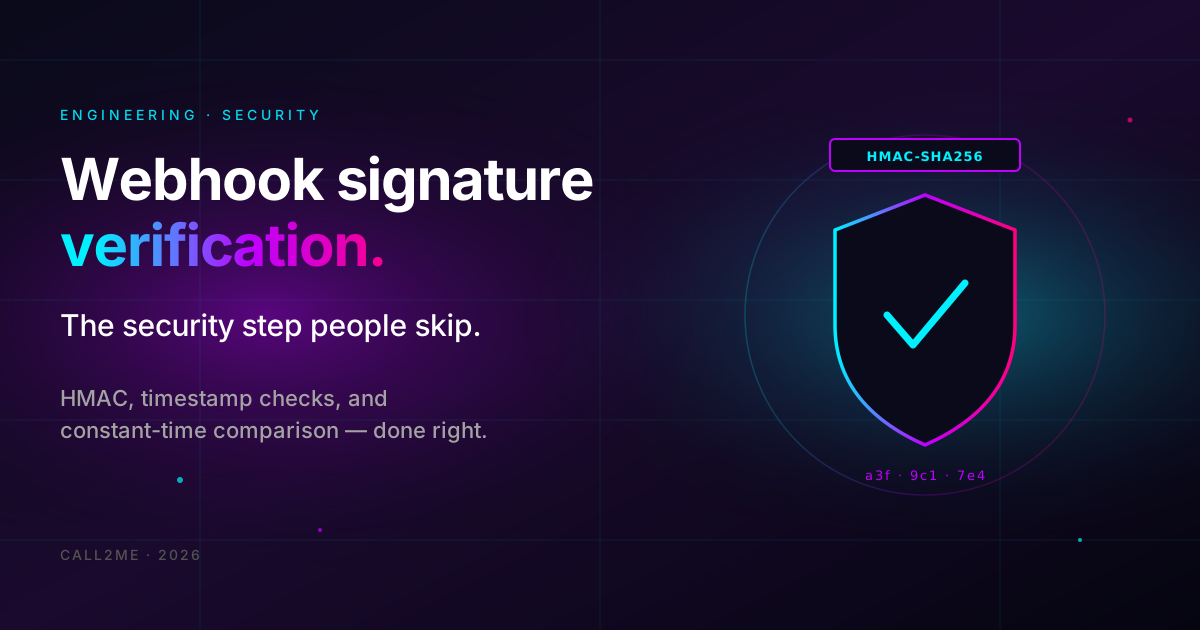 Engineering
Webhook signature verification: the security step people skip
Your voice agent fires webhooks on call events. If your endpoint accepts any POST that reaches it, anyone who learns the URL can forge events. How HMAC signature verification works, why timestamp checks matter, and how to do it without breaking.
May 19, 20264 min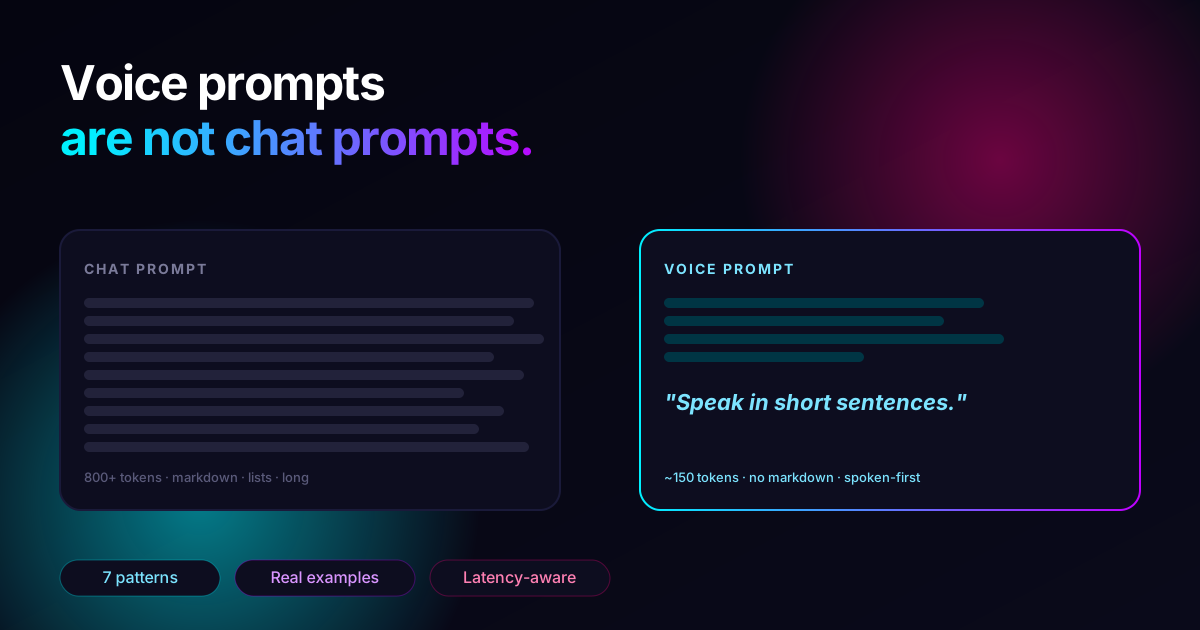 Prompt Engineering
Voice agent prompts are not chat prompts: 7 patterns that work
The system prompt that crushed your chat agent will tank your voice agent. Here's why — and the seven concrete patterns that turn a chat-shaped prompt into a voice-shaped one.
May 6, 20266 min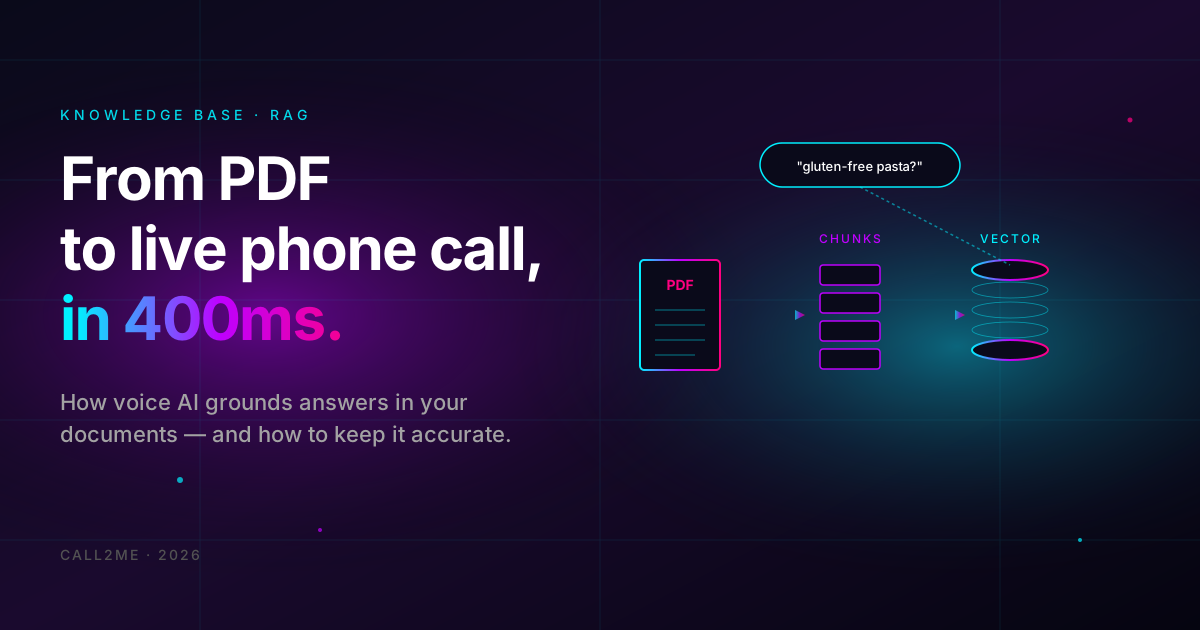 Knowledge Base
From PDF to live phone call: how voice AI uses your knowledge base
What actually happens when a caller asks 'do you have gluten-free pasta' and the agent answers correctly — chunking, embeddings, retrieval, grounding, and the failure modes that break it. The pragmatic engineering view of RAG for voice.
Apr 30, 20267 min